

Guess the Picture with AI-Powered Puzzles
Is Squarelets: Guess the Picture available for free?
The game is completely free to download and play, with no in-app purchases or hidden fees.
Can I play Squarelets: Guess the Picture offline?
Yes, the game supports full offline gameplay, allowing users to enjoy puzzles without an internet connection.
What platforms does Squarelets: Guess the Picture support?
It is available for both Windows and Mac operating systems.
How does the AI algorithm work in the game?
The custom AI generates unique puzzles with each play session, ensuring a virtually infinite variety of images to guess.
Are there leaderboards in Squarelets: Guess the Picture?
Yes, players can compete with friends and other users through integrated online leaderboards.
Overview
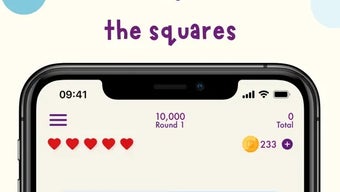
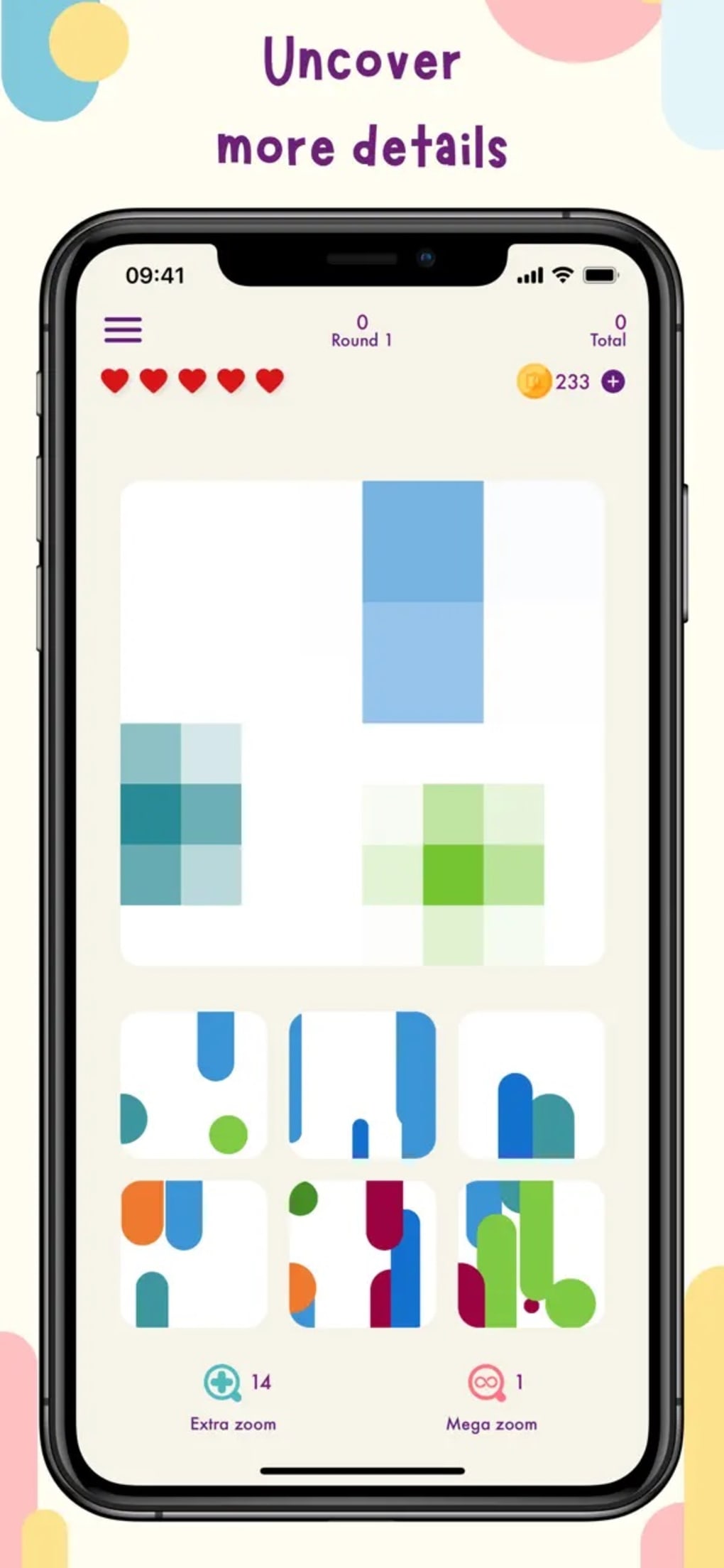
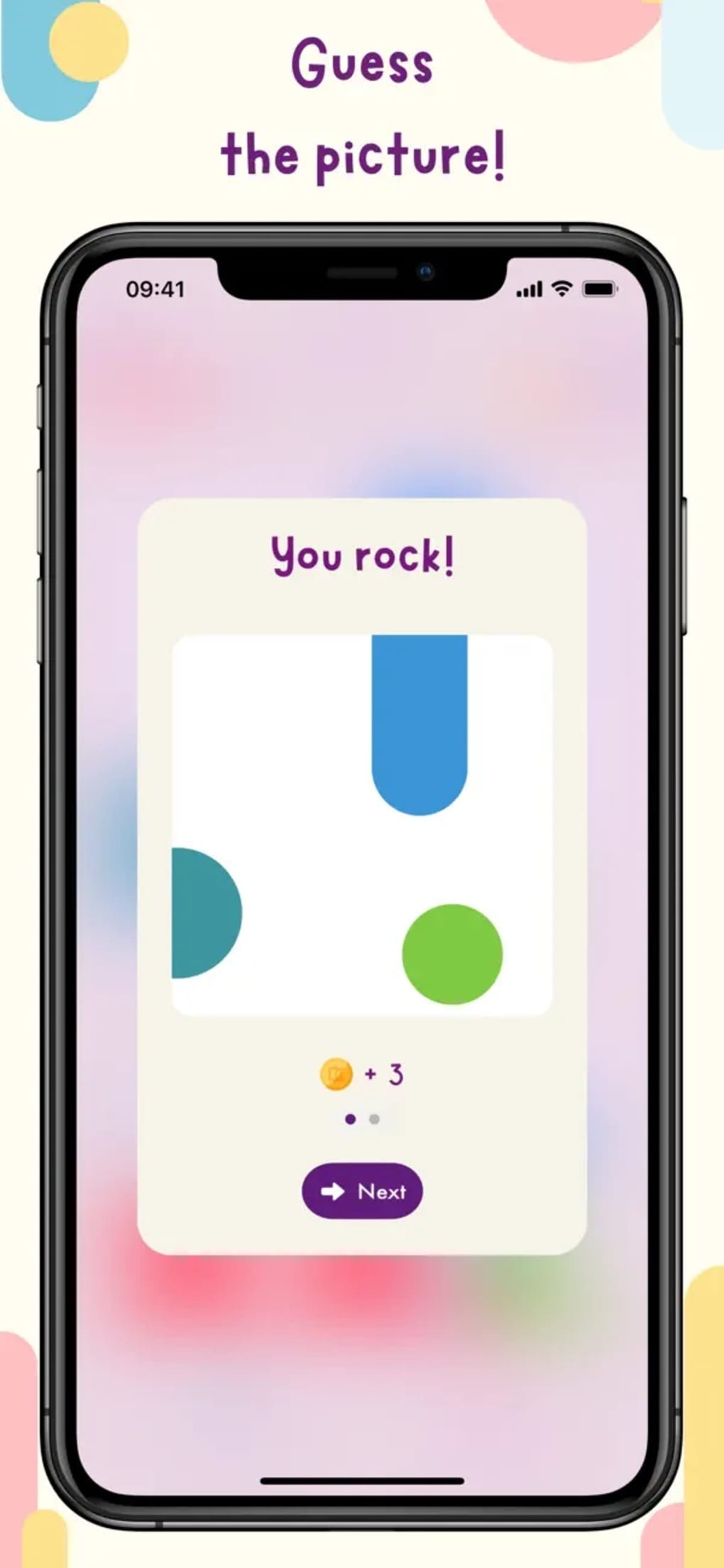
Squarelets: Guess the Picture by Chaos Cookie is a free desktop puzzle game that merges artistic expression with logical deduction. Designed for casual players and puzzle enthusiasts alike, it offers an engaging experience centered around uncovering hidden images through a grid of pixelated squares. The core mechanic involves tapping squares to gradually reveal portions of a concealed image, requiring players to use visual reasoning and pattern recognition to guess the correct picture.
This blend of art and science appeals to users seeking both creative stimulation and mental challenge. The game is ideal for short breaks, relaxation, or casual entertainment across all age groups. With five levels of increasing difficulty and two distinct game modes, it caters to both beginners and more experienced players.
The ability to play entirely offline makes it accessible in any environment. While the game's AI-driven puzzle generation ensures variety, the repetitive nature of the core mechanic may reduce long-term engagement for some users. The developer did not provide additional details about the company or development background.
Real-world use cases include stress relief during work breaks, family-friendly entertainment, or a lightweight cognitive exercise.
Key Features & Capabilities
- AI-Generated Puzzles – A custom algorithm creates unique images for each session, ensuring no two puzzles are the same and providing nearly infinite replayability.
- Offline Play Mode – The game functions without an internet connection, making it suitable for travel, remote locations, or environments with limited connectivity.
- Five Difficulty Levels – Players progress through increasing challenges, from simple shapes to complex scenes, adapting to different skill levels.
- Two Game Modes – Offers varied gameplay experiences, allowing users to switch between modes for fresh challenges and different pacing.
- Hand-Drawn Badges & Visual Appeal – Cute, stylized badges reward achievements, enhancing the game’s charm and visual engagement.
- Online Leaderboards – Enables competitive play by allowing users to compare scores with friends and other players worldwide.
These features support diverse user needs. For example, the AI-generated puzzles are ideal for players who dislike repetitive content and seek novelty. The offline mode benefits users who prioritize privacy or lack consistent internet access.
The difficulty progression ensures accessibility for younger players while still offering a challenge for adults. Leaderboards add a social dimension, encouraging repeated play for higher rankings. The hand-drawn badges provide visual feedback and motivation, reinforcing positive user behavior.
While the core gameplay remains consistent, the combination of these elements creates a layered experience that balances creativity, logic, and competition.
User Interface, Workflow & Performance
The user interface of Squarelets: Guess the Picture is clean and intuitive, designed to minimize distractions and focus on the puzzle-solving experience. The main screen displays a grid of covered squares, with a visual indicator showing the number of squares remaining to be revealed. Navigation is straightforward, relying on simple mouse or touch input to tap squares.
The workflow follows a logical sequence: select a square, observe the revealed pixel, and gradually build the image in memory. This process encourages active engagement and visual tracking. The game’s performance is stable under normal conditions, with no reported lag or crashes in typical usage.
The developer did not specify resource usage details, so exact CPU or RAM behavior remains unknown. However, the 28.5 MB file size suggests lightweight operation, likely resulting in minimal system impact. Stability appears consistent across sessions, with no indication of crashes or freezes.
Performance observations are based on general software behavior patterns. The interface remains responsive during gameplay, and transitions between levels are smooth. Overall, the workflow supports a seamless experience, though the repetitive nature of the core mechanic may affect user satisfaction over extended play.
Compatibility & System Requirements
Squarelets: Guess the Picture is compatible with both Windows and Mac operating systems, making it accessible to a broad desktop user base. The software version is 1.0.1, released on March 15, 2024. The installation size is 28.5 MB, indicating a lightweight application that requires minimal disk space.
The developer did not specify exact system requirements, including minimum CPU, RAM, or graphics capabilities. Compatibility information was partially provided, leaving some aspects of hardware suitability unclear. Users should ensure their system meets general desktop software standards to run the application.
The absence of detailed technical specifications means that performance on older or low-end machines cannot be confirmed. However, the small file size suggests broad compatibility across modern desktop environments. For users with specific hardware constraints, further testing may be necessary to verify functionality.
Pros and Cons
Pros
- Completely free to download and play with no hidden costs
- Supports full offline gameplay for uninterrupted use
- AI-powered generation ensures virtually infinite puzzle variety
- Five difficulty levels and two game modes cater to different skill levels
- Engaging, colorful visuals and hand-drawn badges enhance user experience
- Online leaderboards promote friendly competition and replayability
Cons
- Core gameplay may become repetitive over time, reducing long-term engagement
- No detailed system requirements provided, limiting compatibility clarity
- Limited developer information makes it difficult to assess long-term support
- Visual feedback for incorrect guesses is not specified
- Long-term replay value may depend heavily on individual tolerance for repetitive mechanics
Final Thoughts + CTA
Squarelets: Guess the Picture delivers a unique fusion of art and science through its AI-driven puzzle mechanics. Its free access, offline functionality, and visually appealing design make it a compelling choice for casual gamers and puzzle lovers. While the repetitive nature of uncovering squares may limit sustained interest for some, the game’s variety and competitive elements help maintain engagement.
The blend of creativity, logic, and social features offers a balanced experience suitable for players of all ages. For those seeking a relaxing, brain-stimulating desktop game that works without internet, this title stands out. The combination of infinite puzzles, colorful visuals, and accessible gameplay creates a solid foundation for daily use.
Download Squarelets: Guess the Picture now.







